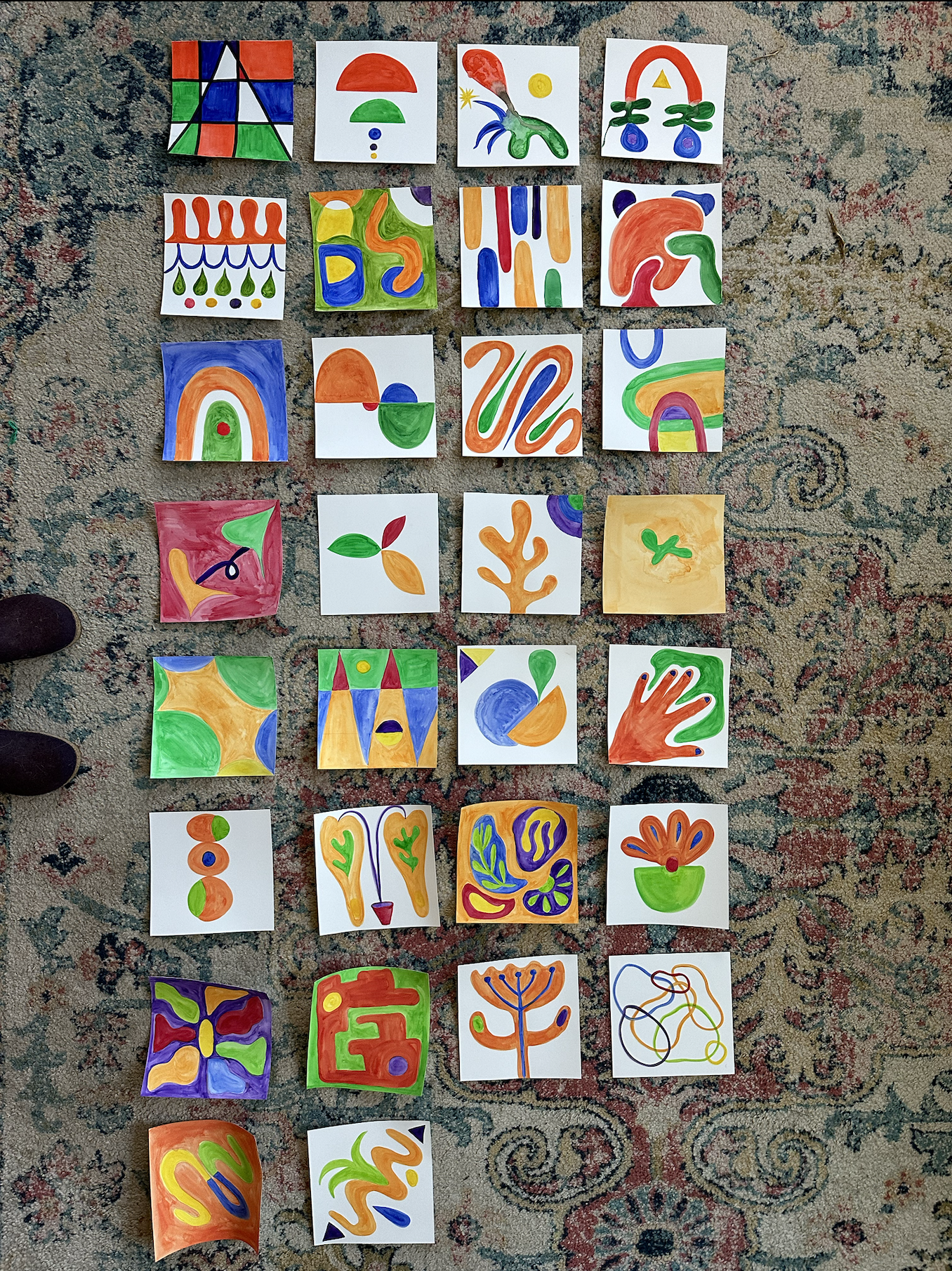
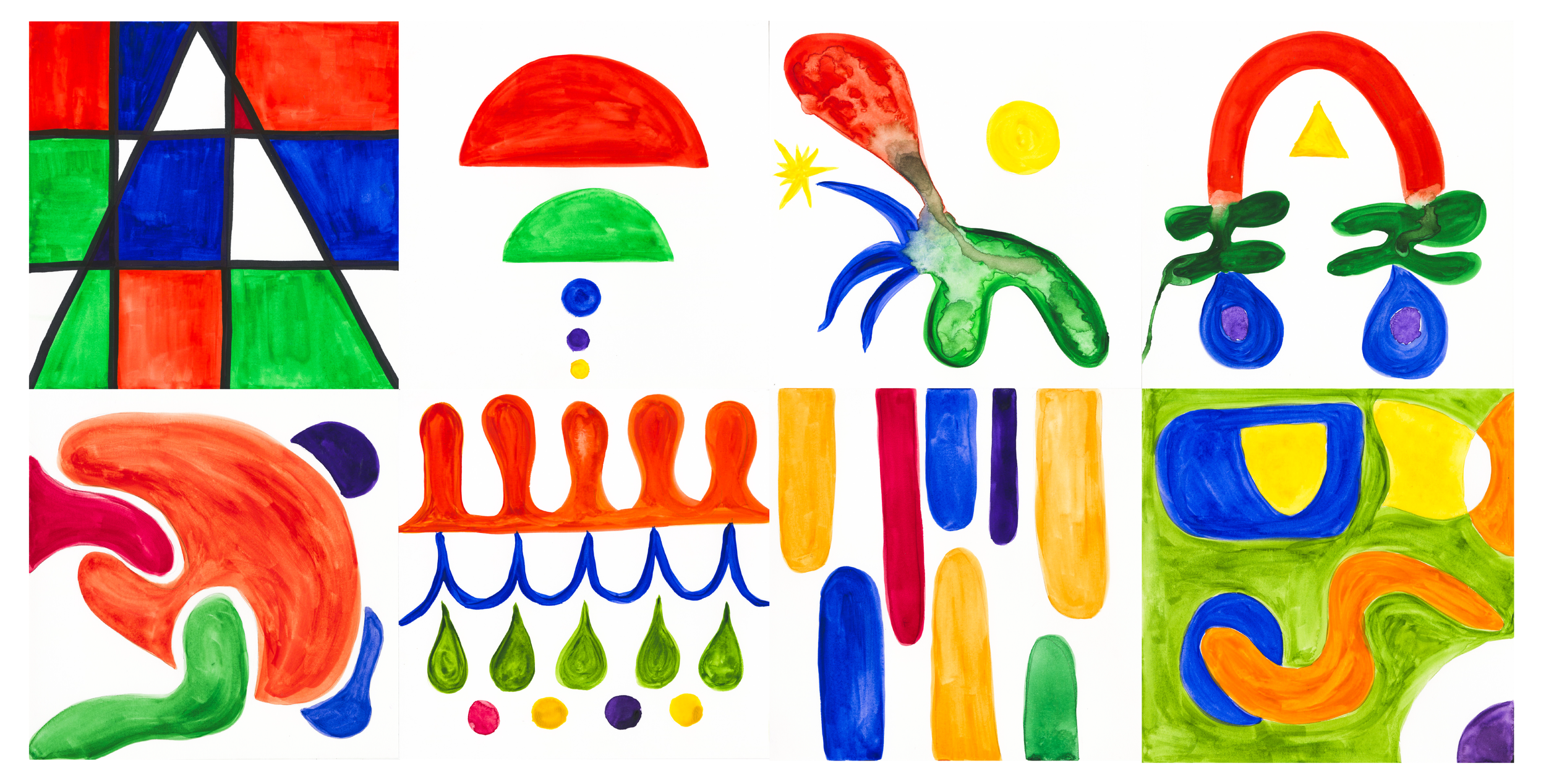
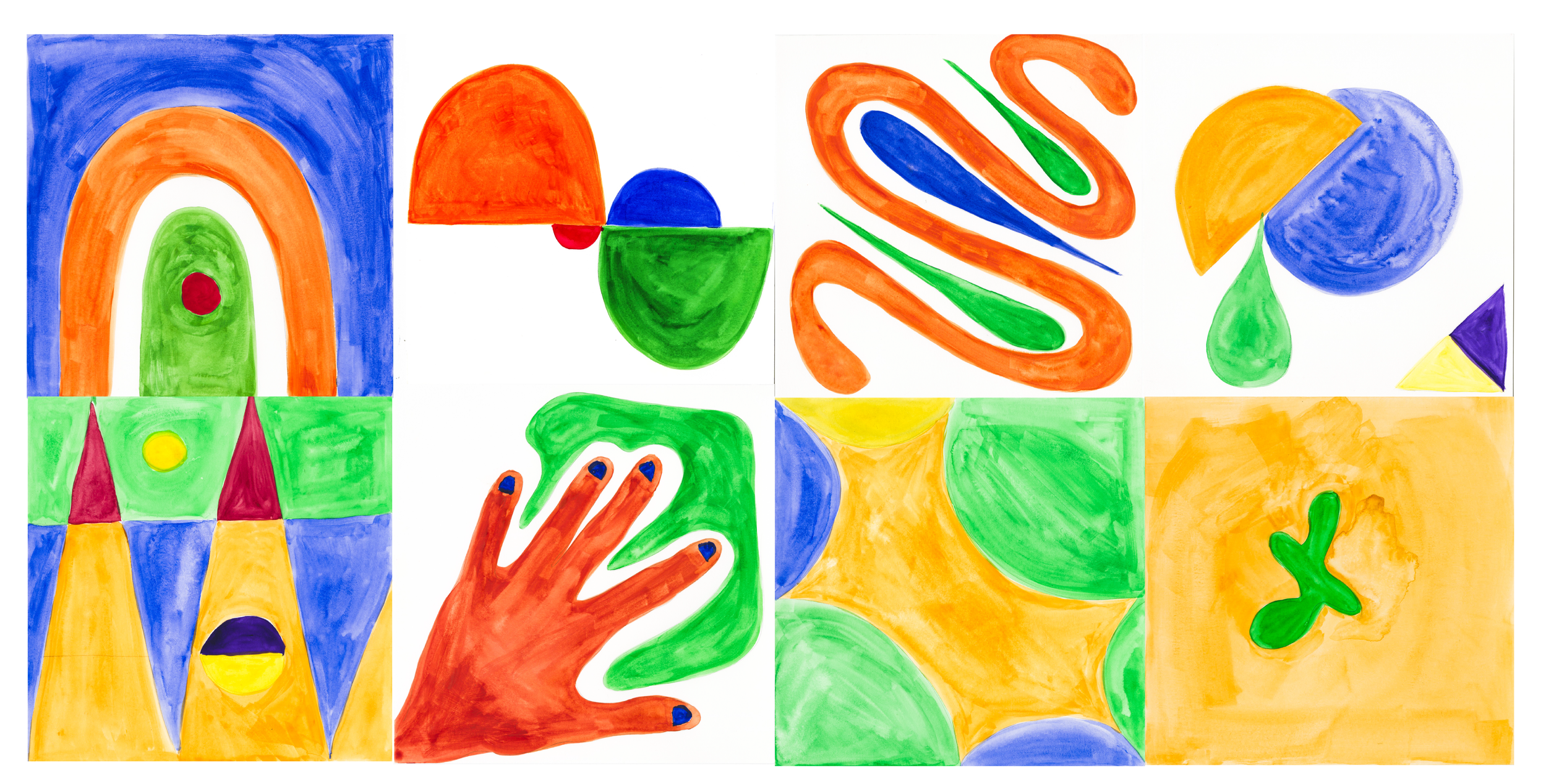
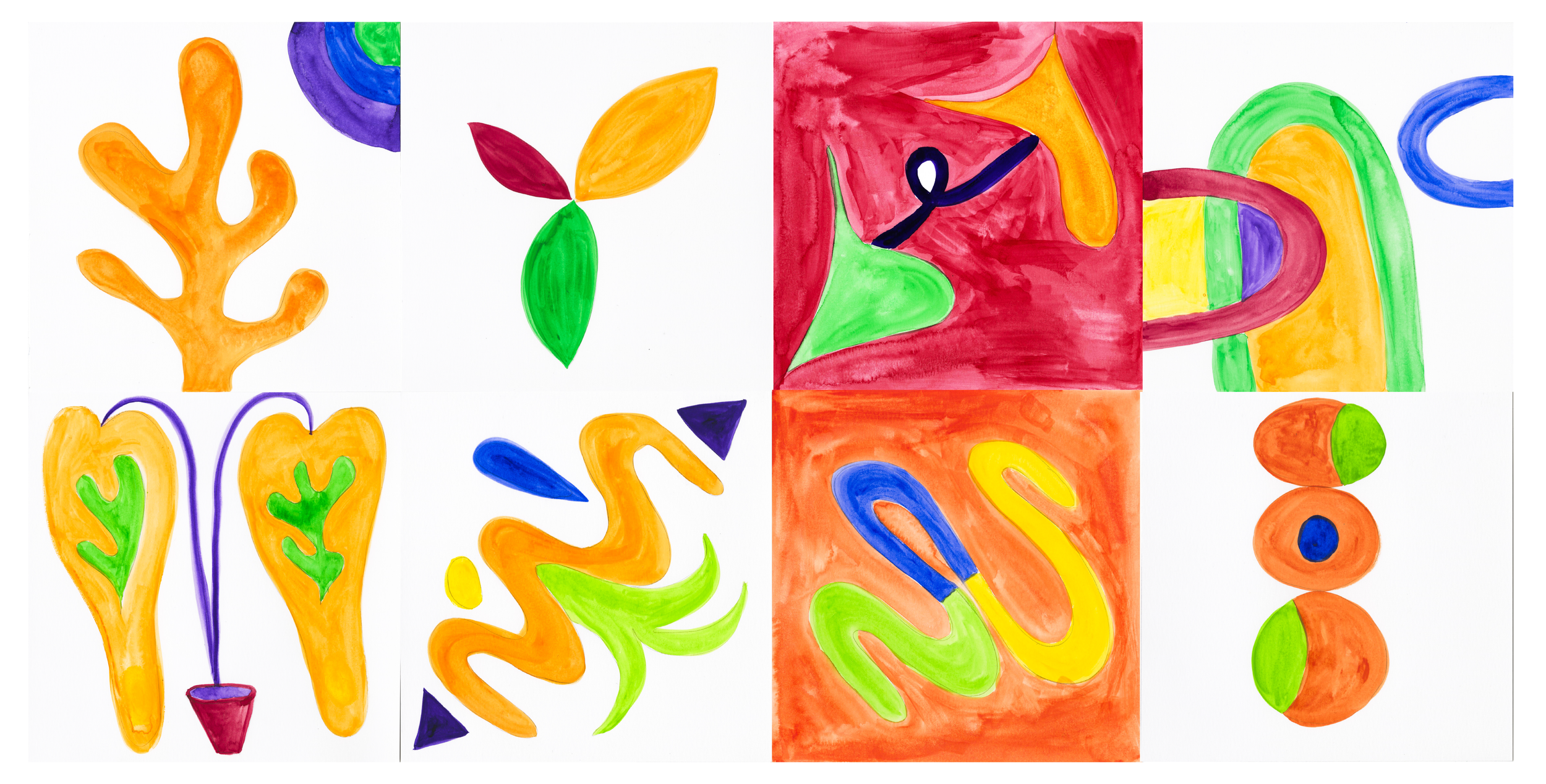
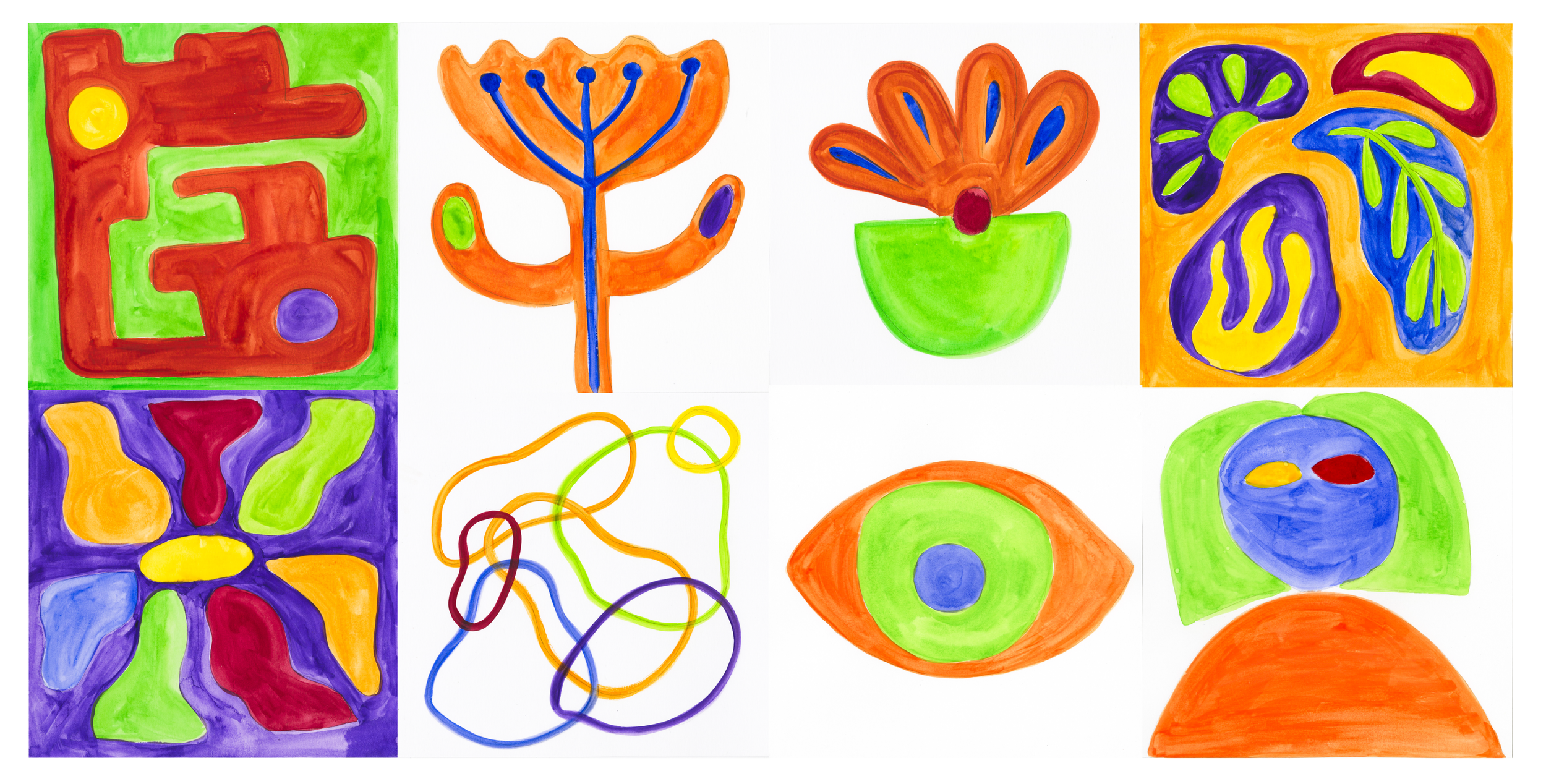
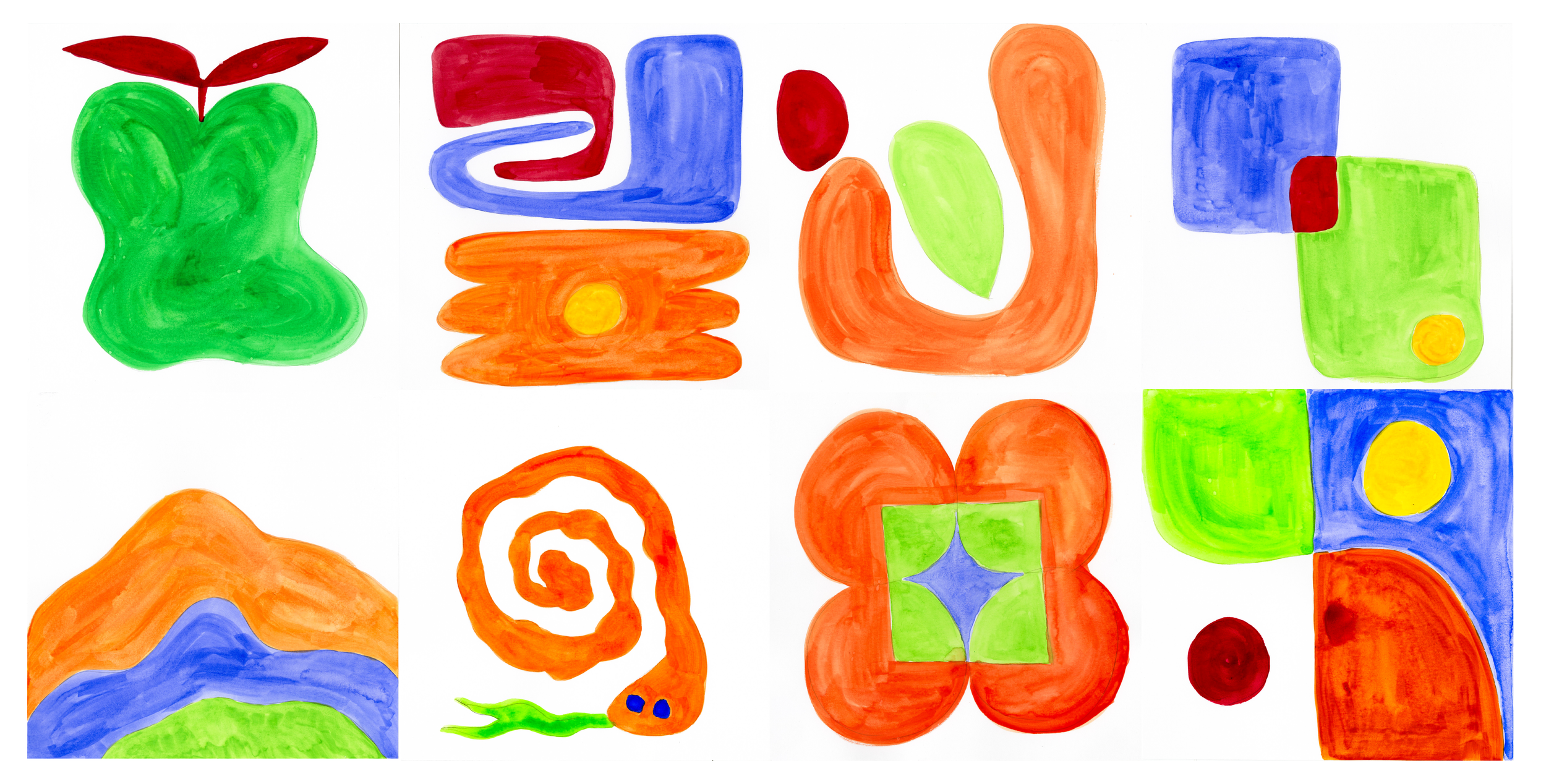
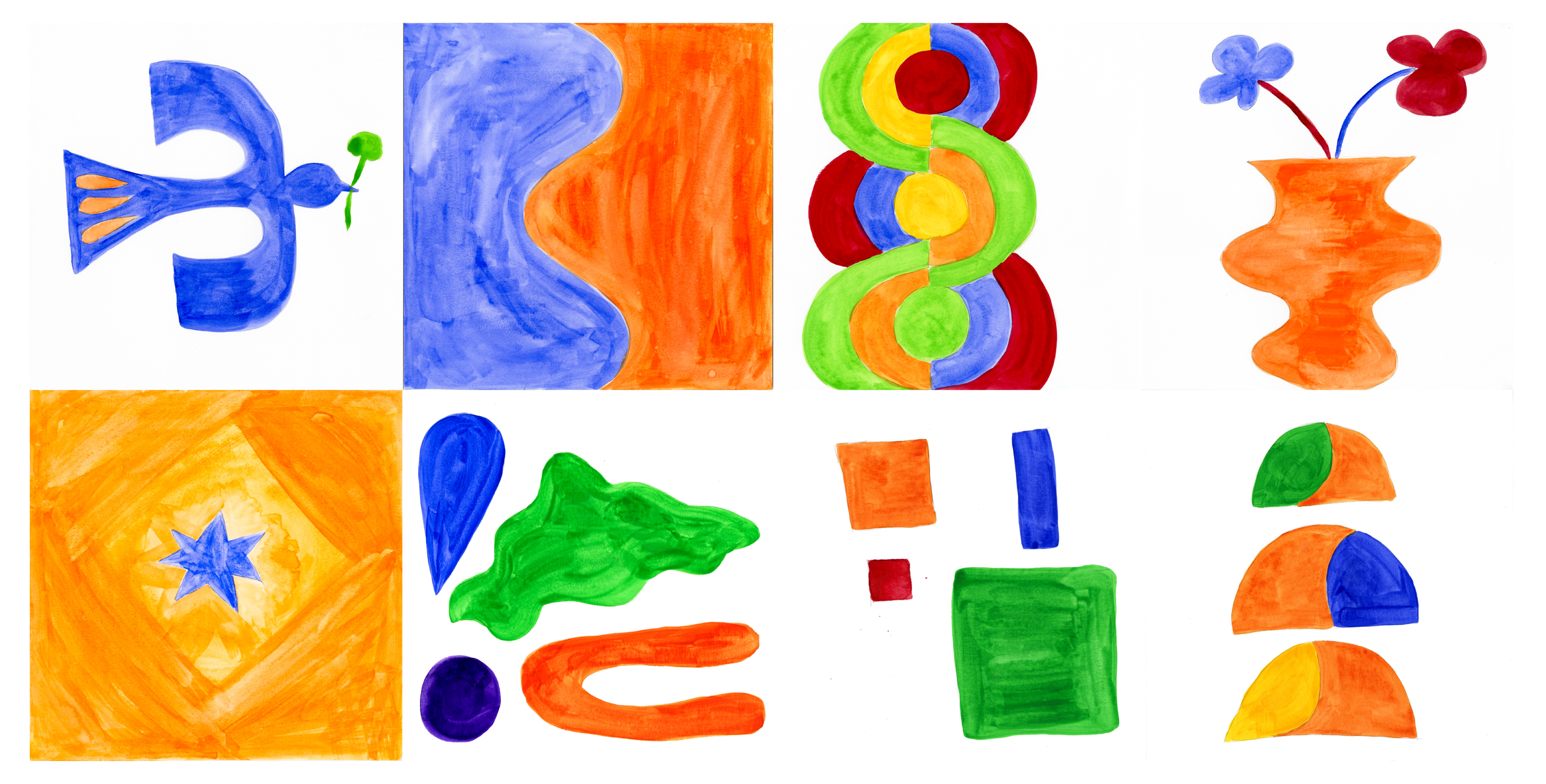
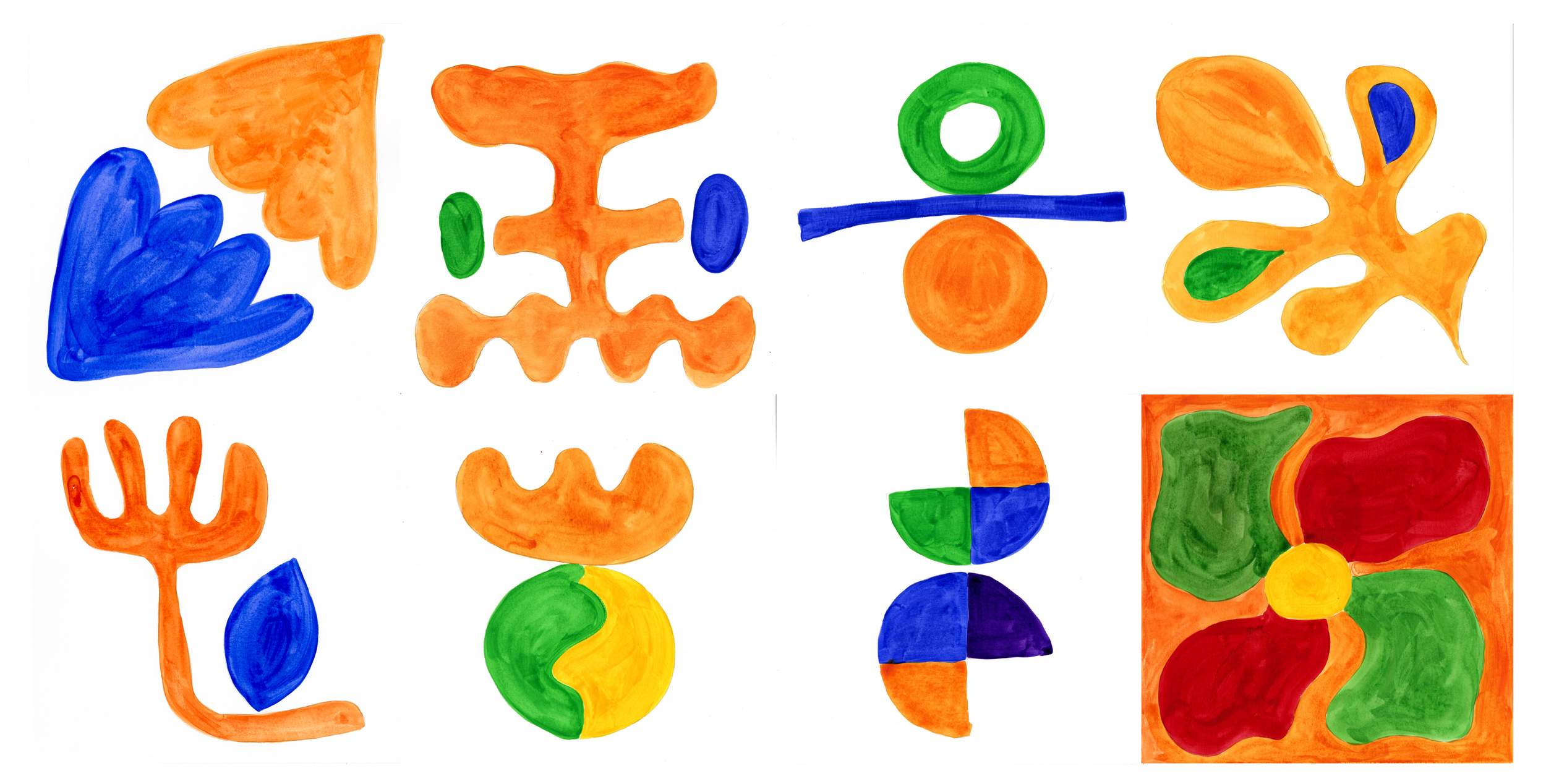
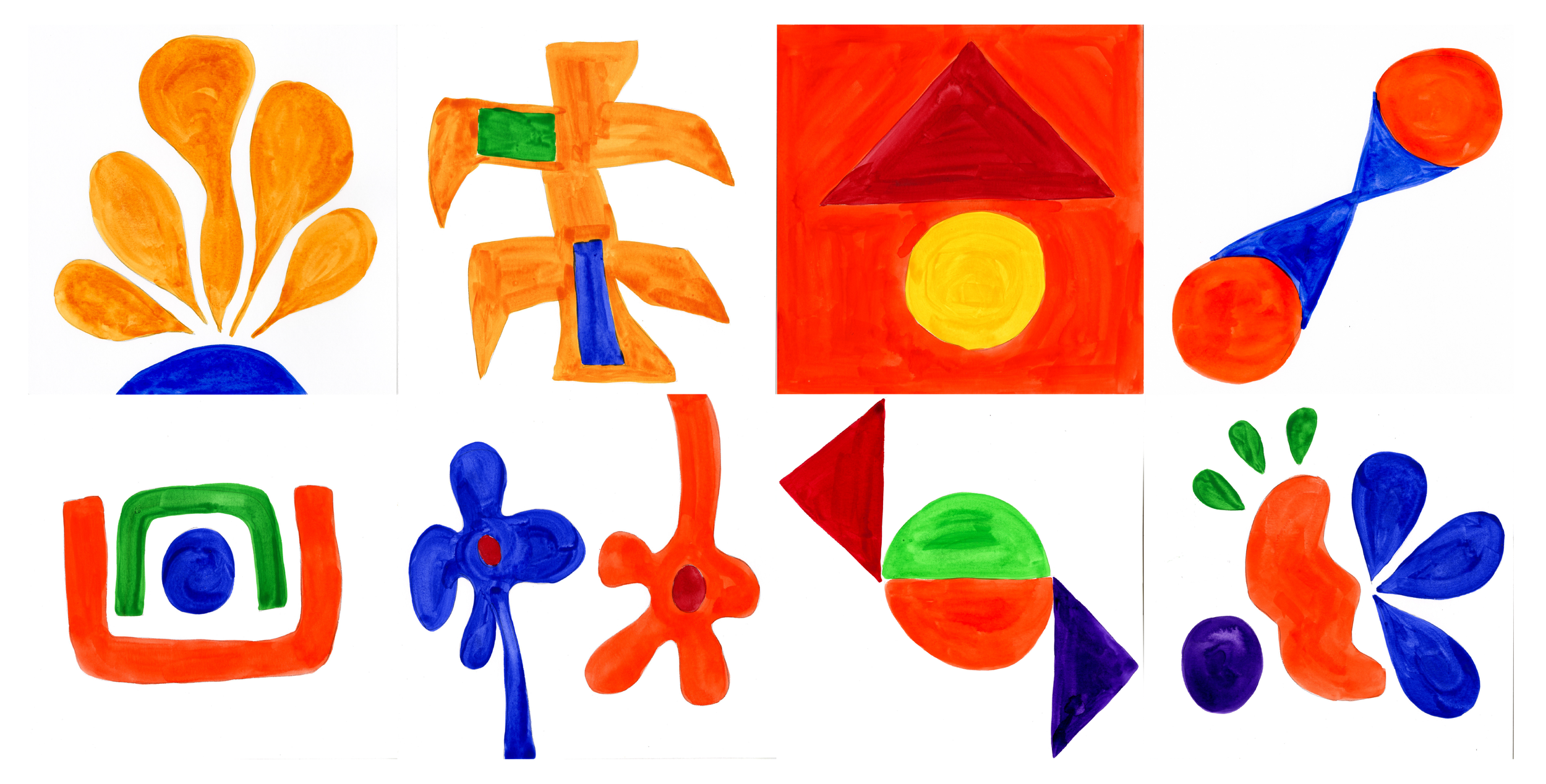
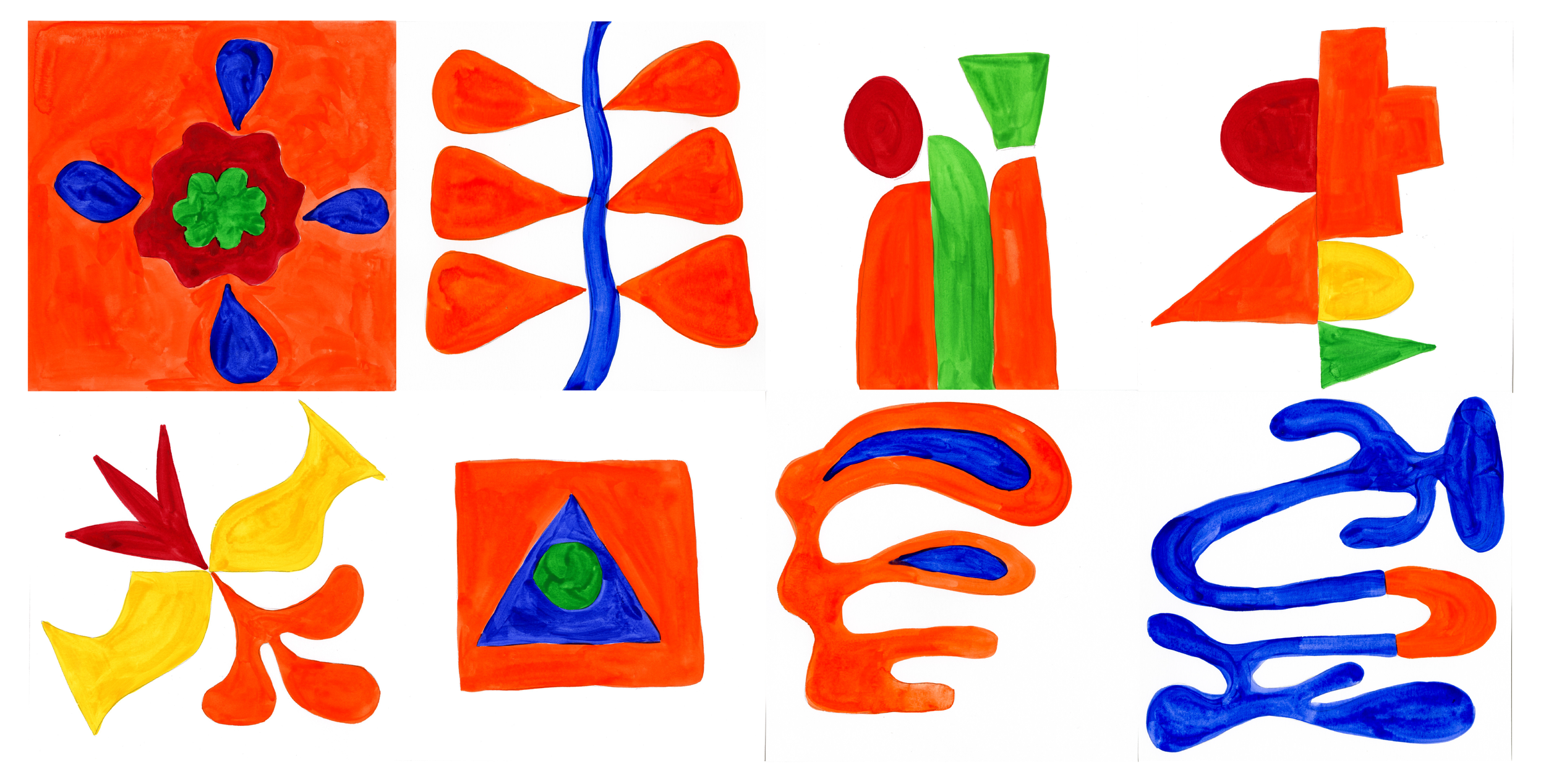
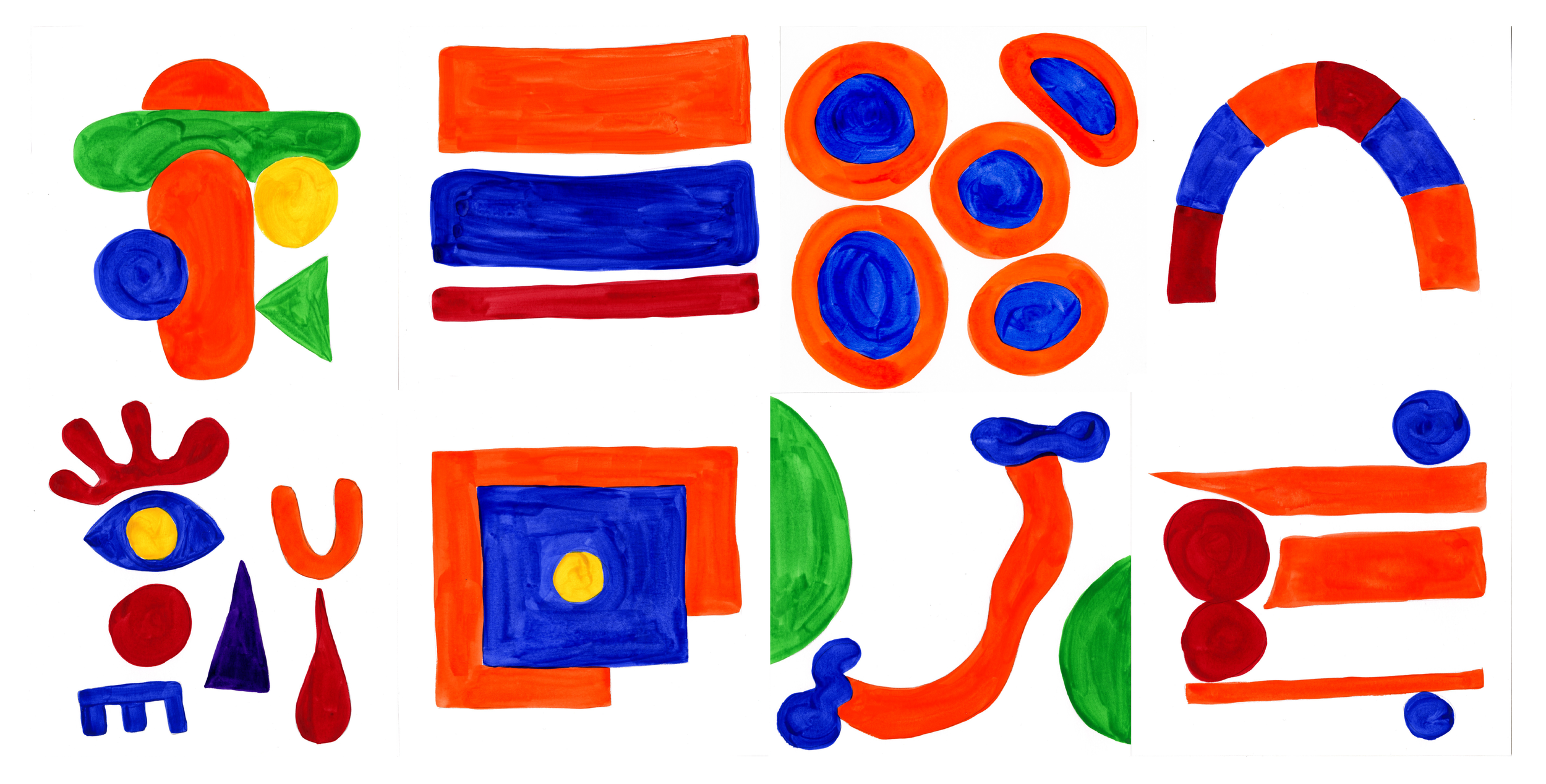
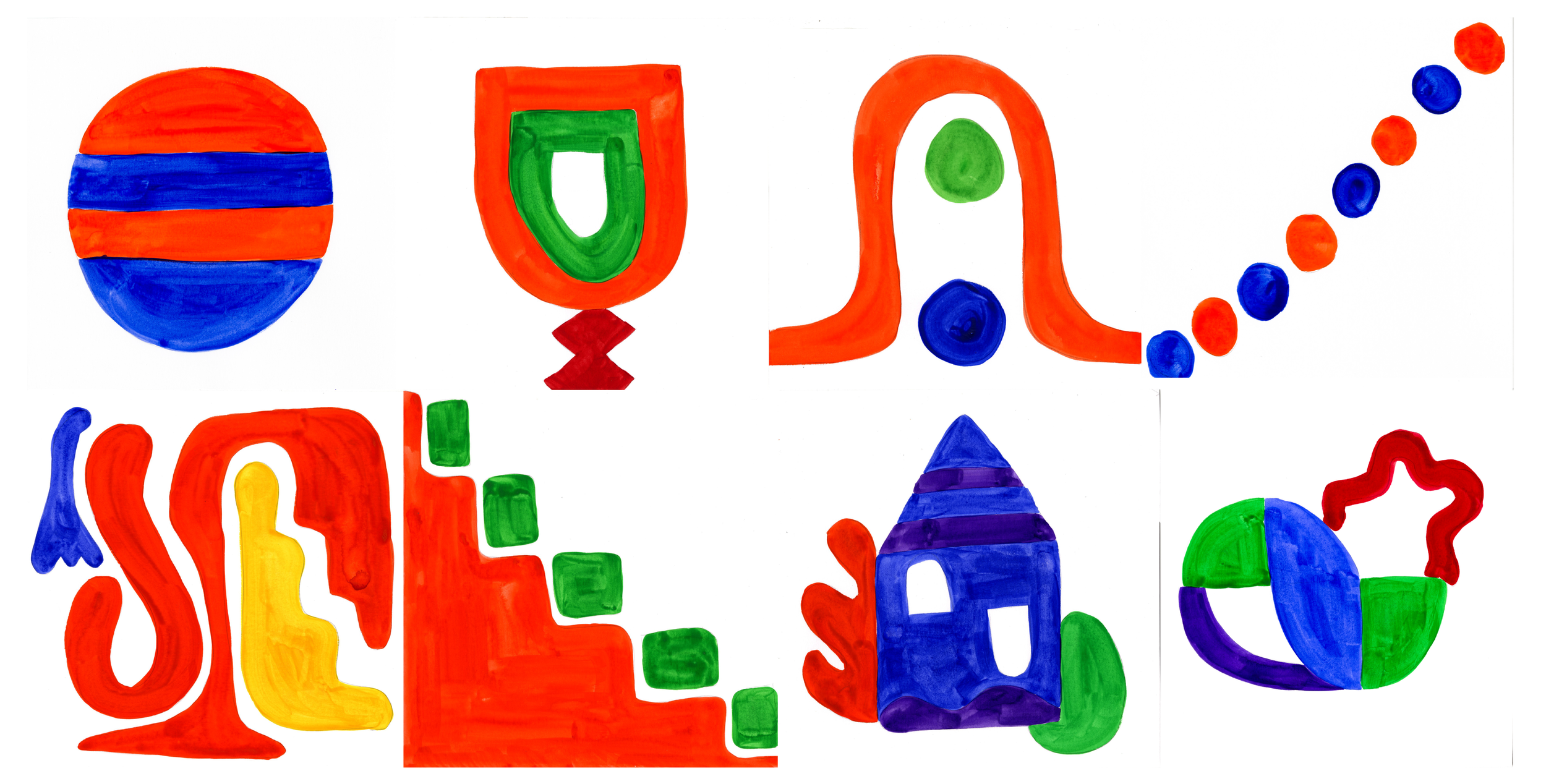
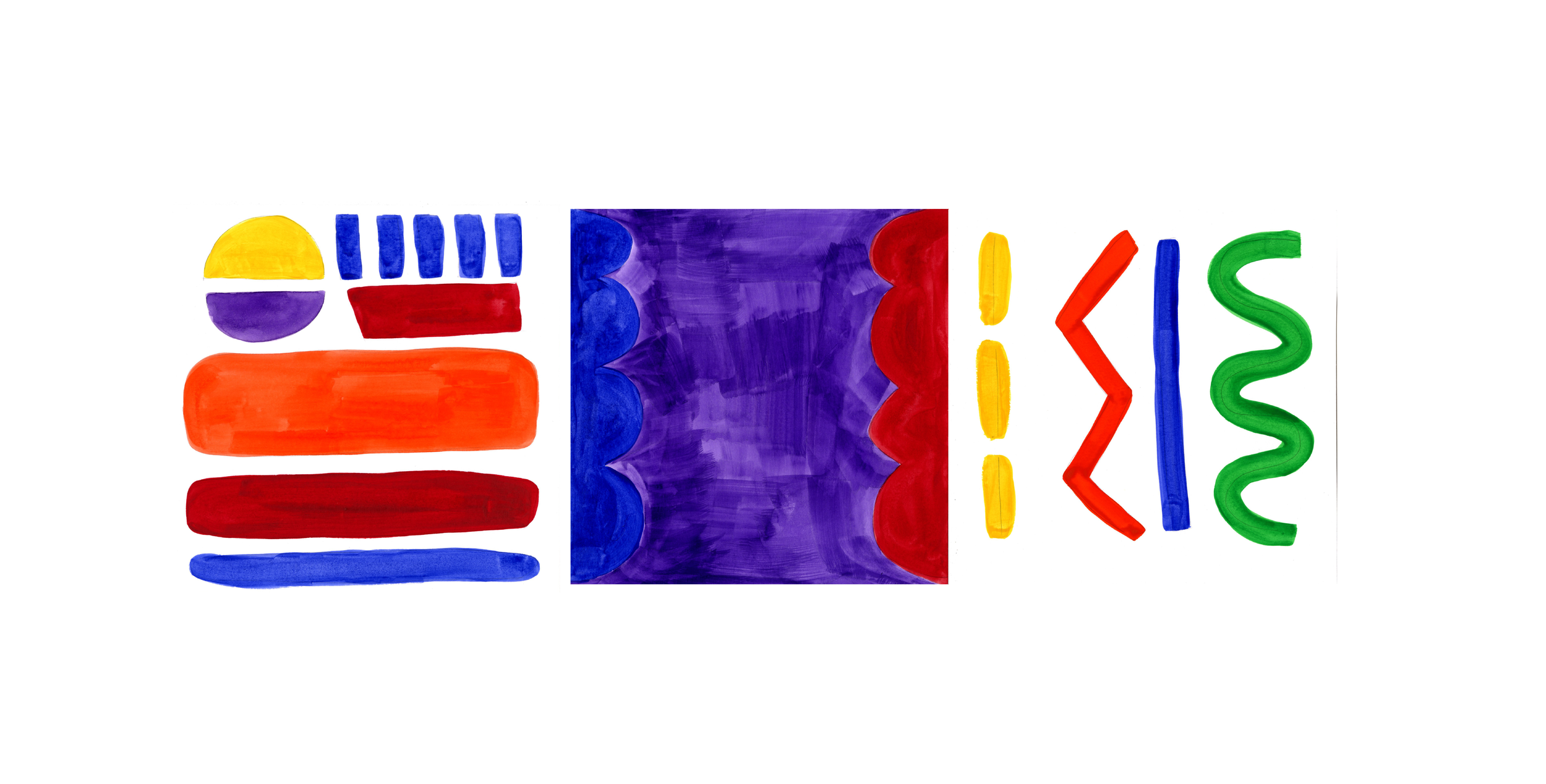
100 Days of Grad School Emotions
Data Visualization | CMU | Visual Communications Studio
Prompt: Design and document something everyday for 100 days and present it.
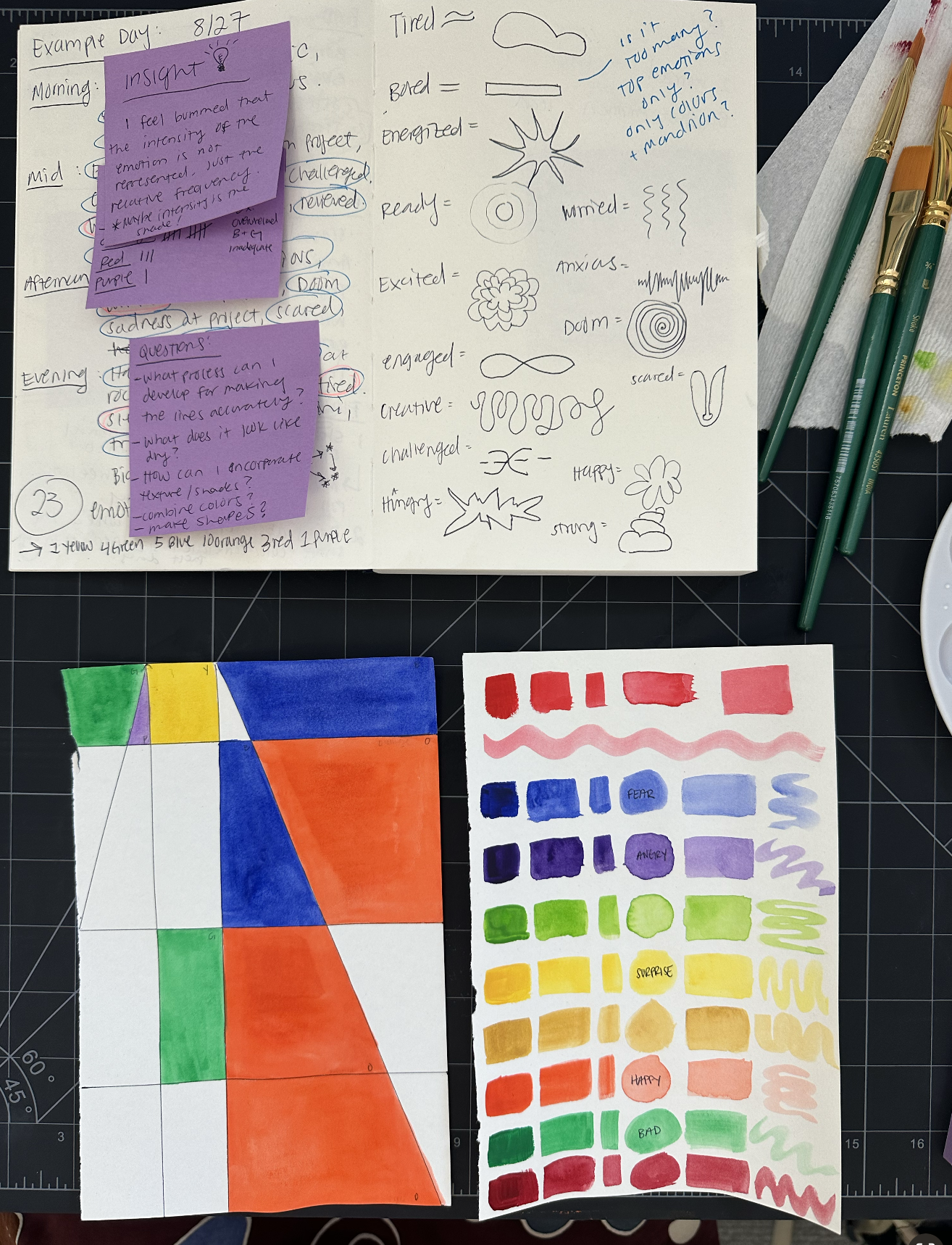
Concept: Track my emotions every day for 100 days and create an abstract watercolor illustration that geometrically represents the data.
Goal: A visual representation of my emotional state throughout the fall semester of CMU’s Design MA program.
Professor: Brett Yasko
Reflection:
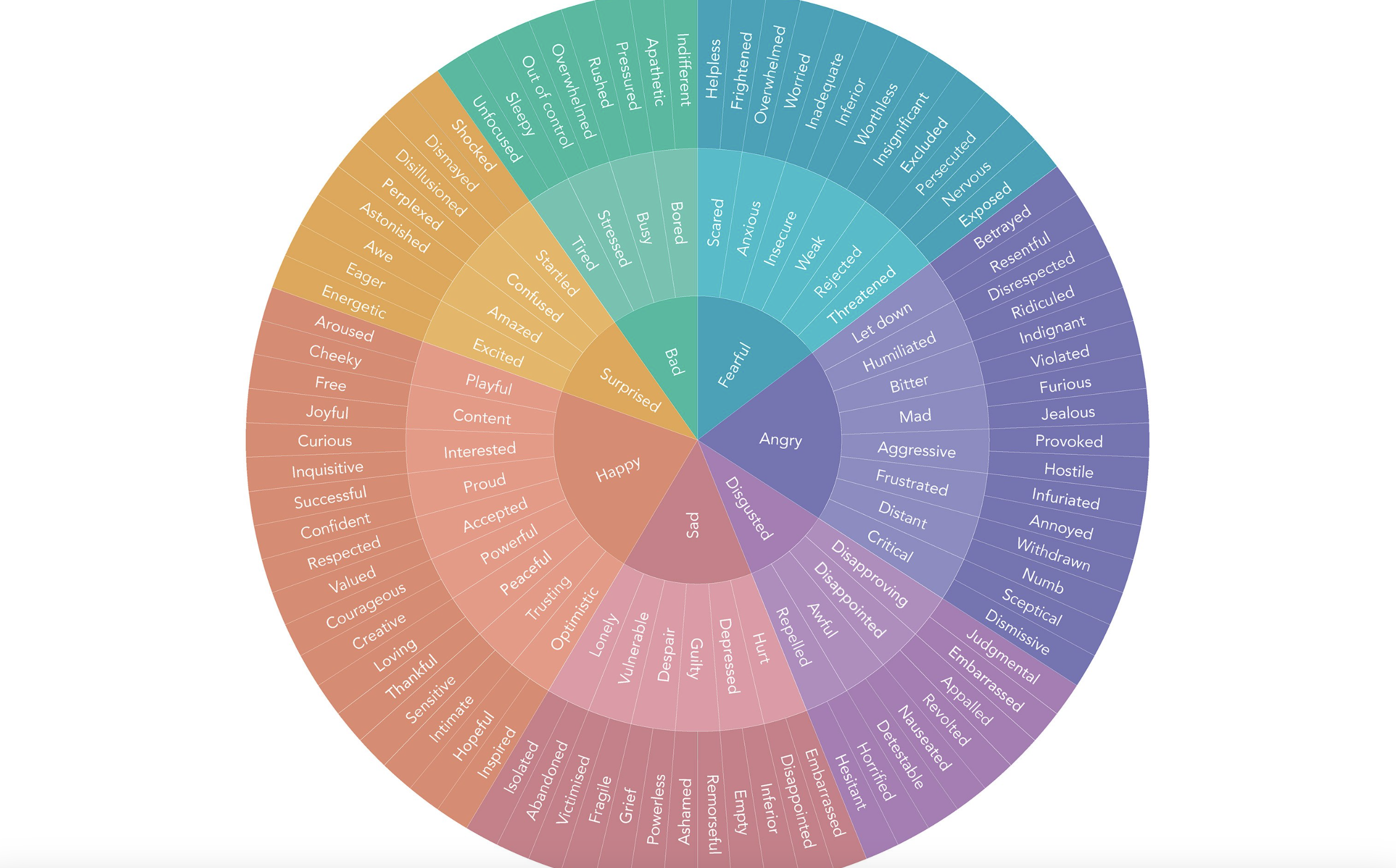
This feelings wheel helps identify core emotions, but it lacks nuance. I would eventually like to redefine my own complex and sub-emotional states based on the data that I gather and even invent better vocabulary and keywords to improve this process to better reflect the human experience.
Inspiration:
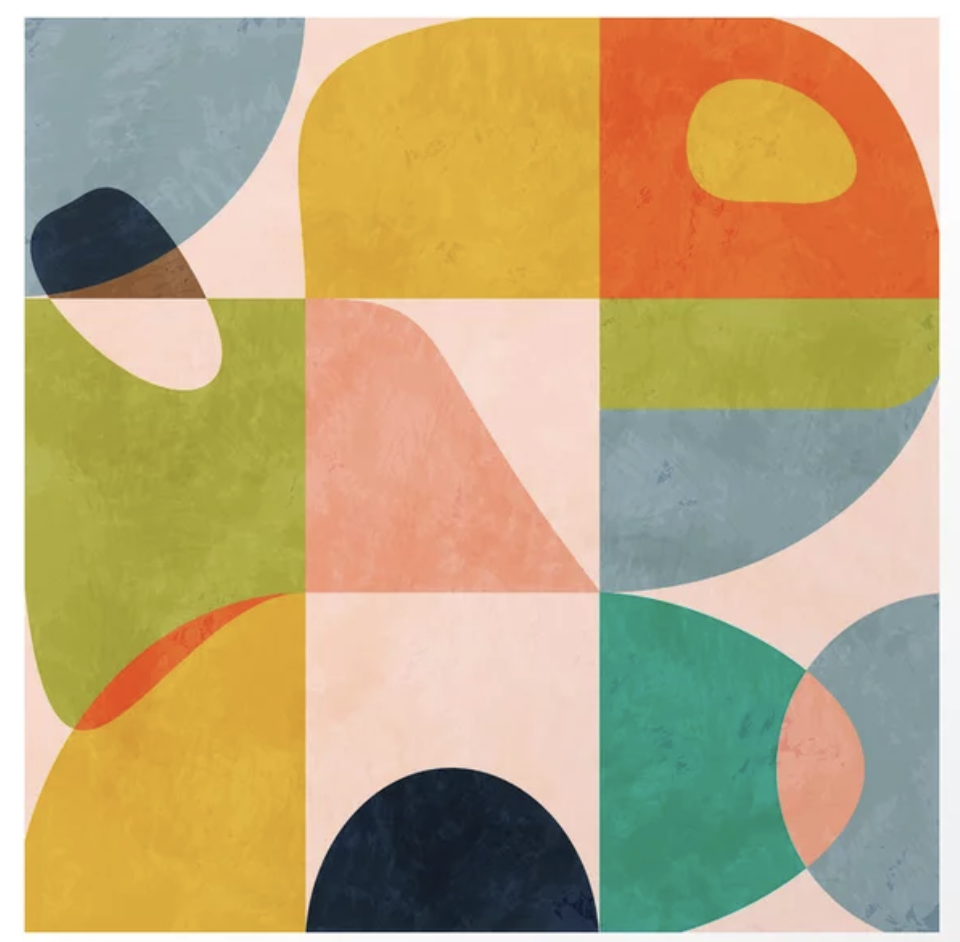
I do not think it will be feasible to draw complex illustrations, so I am taking inspiration from abstract Art Deco shapes and Matisse-style florals.
Process:
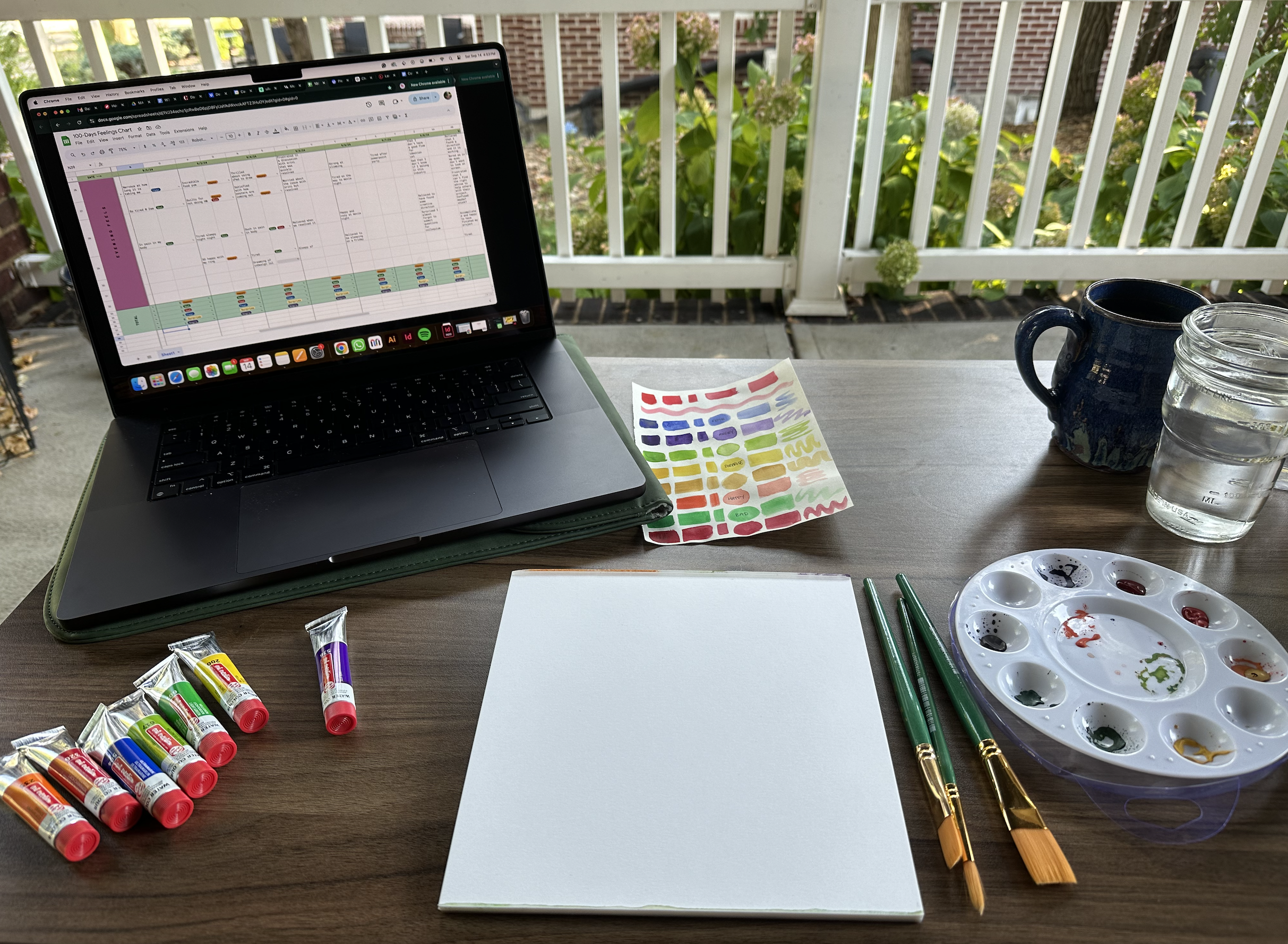
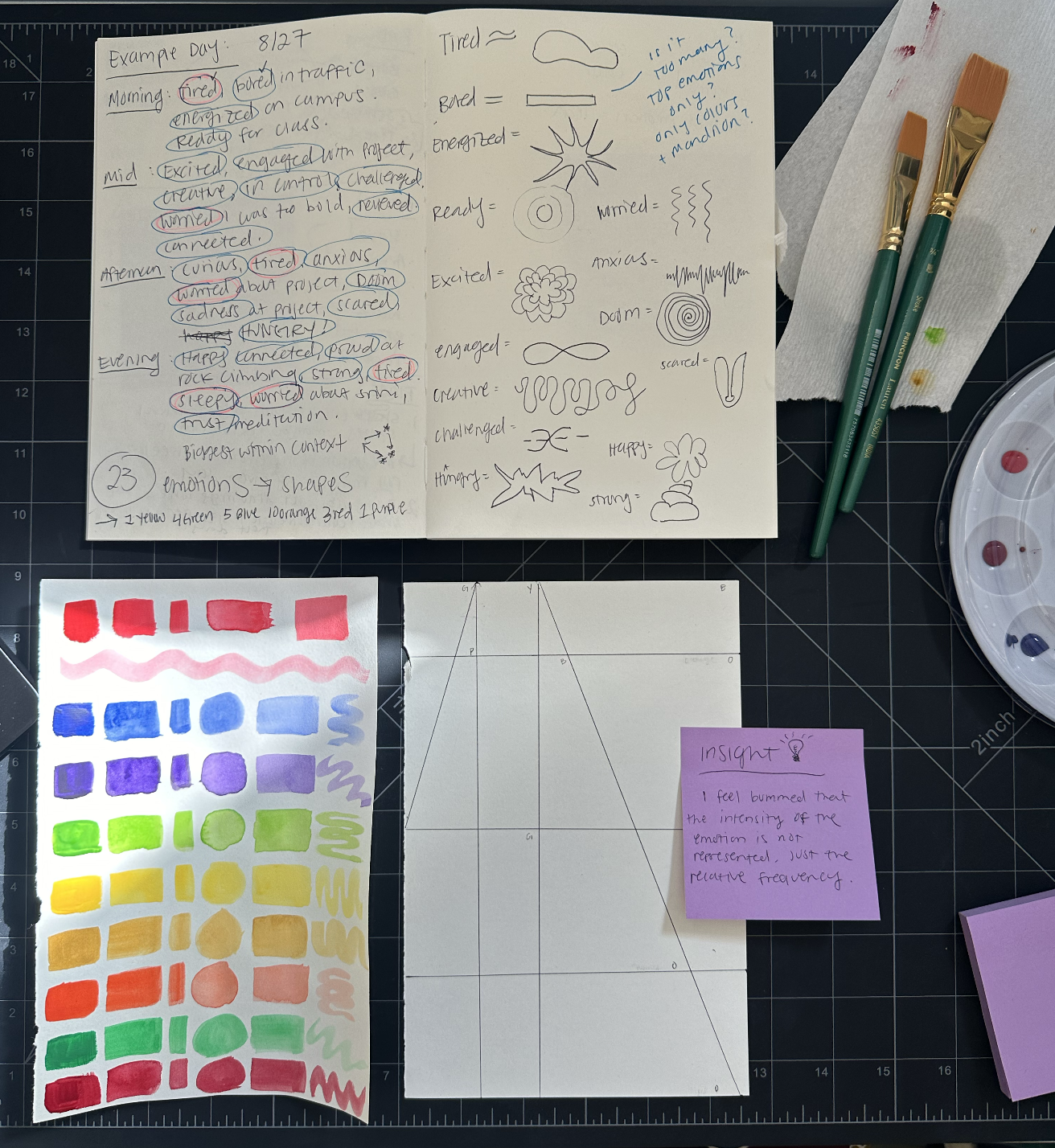
I realized quickly that I feel an average of 27 notable feelings throughout the day, if I had more time I would use a broader vocabulary and color scheme to create more detailed illustrations that reflect the day's emotional journey. I ended up batching and breaking down the task into 3 steps:
Log emotions in the spreadsheet daily
Draw out the shapes in pencil and label where the colors go
Spend a day catching up on watercolor every 1–2 weeks
Reflection:
At the halfway point, it became increasingly more difficult to find time to watercolor. I decided to chunk the process even further by setting aside time to sketch the abstract shapes with color labels so that I could eventually sit down and mindlessly watercolor. I was still able to track my emotions every few days and reflect on my life experiences. Watercolor takes a lot of setup with the materials, and the colors are never quite the same, which shows in the final product. I plan to frame and mount all of these to put up in my home to commemorate my first semester of grad school using Home Depot plywood, spray glue, and plastic window sealant cover to seal it.