Self-Care Mode
UI Control | CMU | 2025
About: Rapid Control Design
Role: Designer
Tools: Figma
Design Objectives
Problem: In order to address the epidemic of mental health issues exacerbated by excessive screen time and addiction to social media, I designed a control that will instantly allow the user to step away from their screen and focus on practicing digital self care.
What: A configurable notification control that gently encourages spending time away from screens by locking you out of apps that are distracting and addictive.
Who: This feature was designed specifically for tech savvy iOS users.
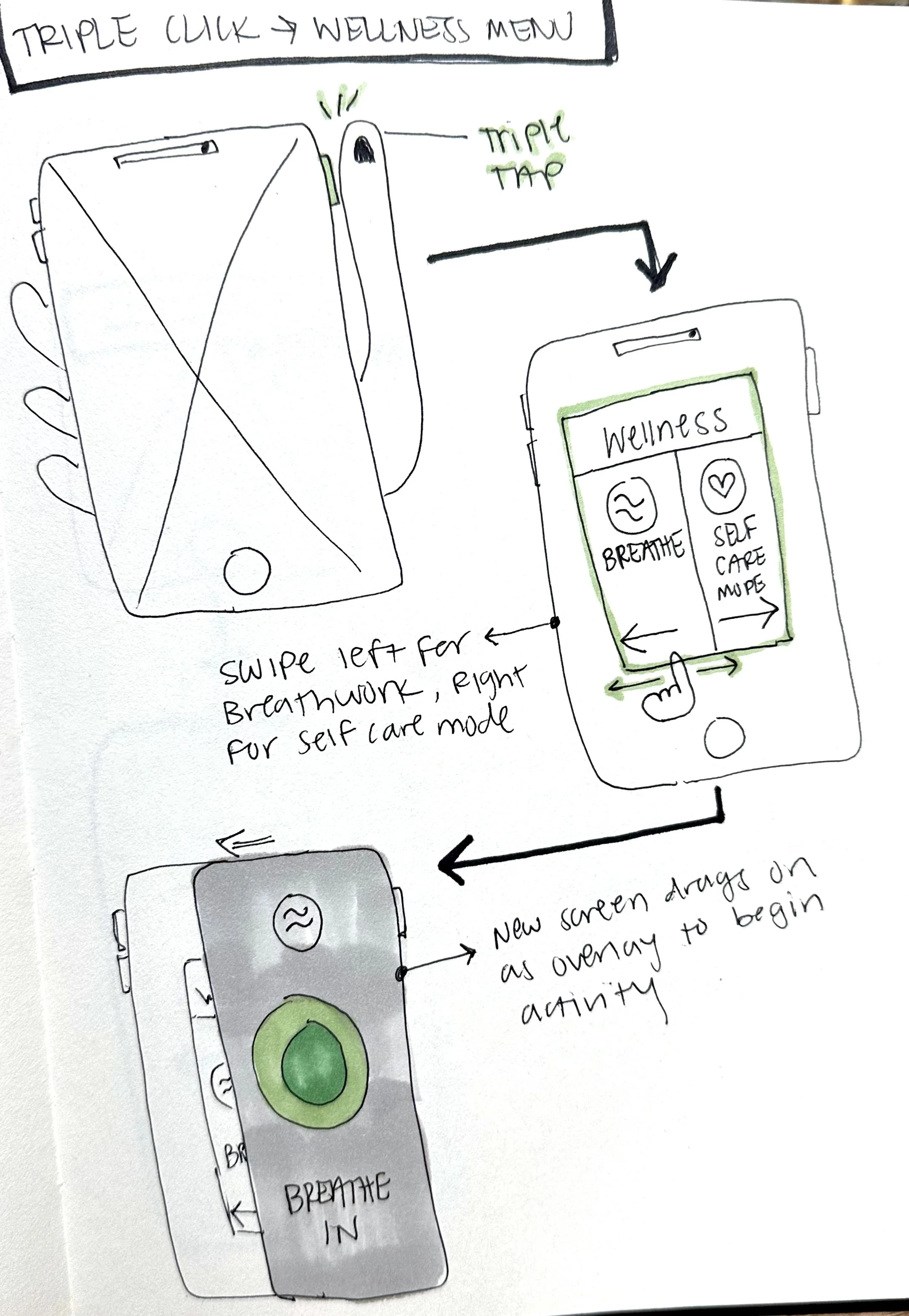
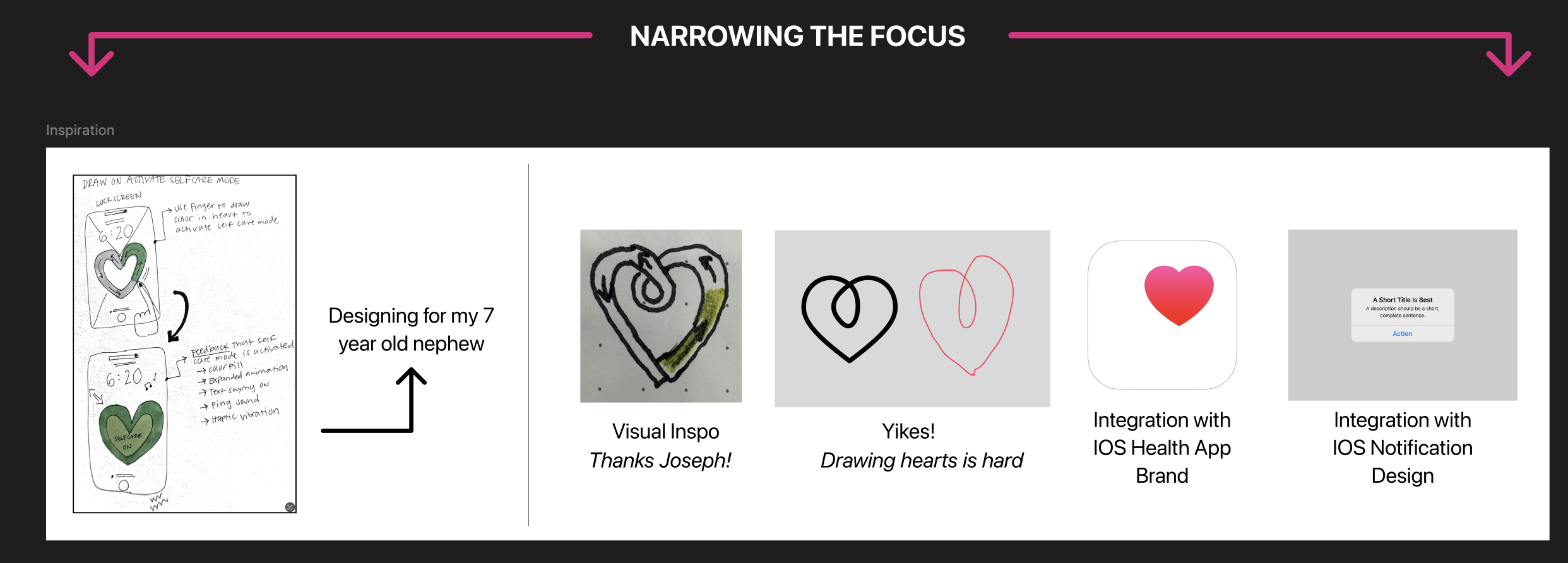
Fun Fact: When asked to iterate on my design with a specific person in mind,
I chose my 7-year-old nephew.
I prioritized engagement and playfulness which led me to the visual design that is the “heart” of this project.
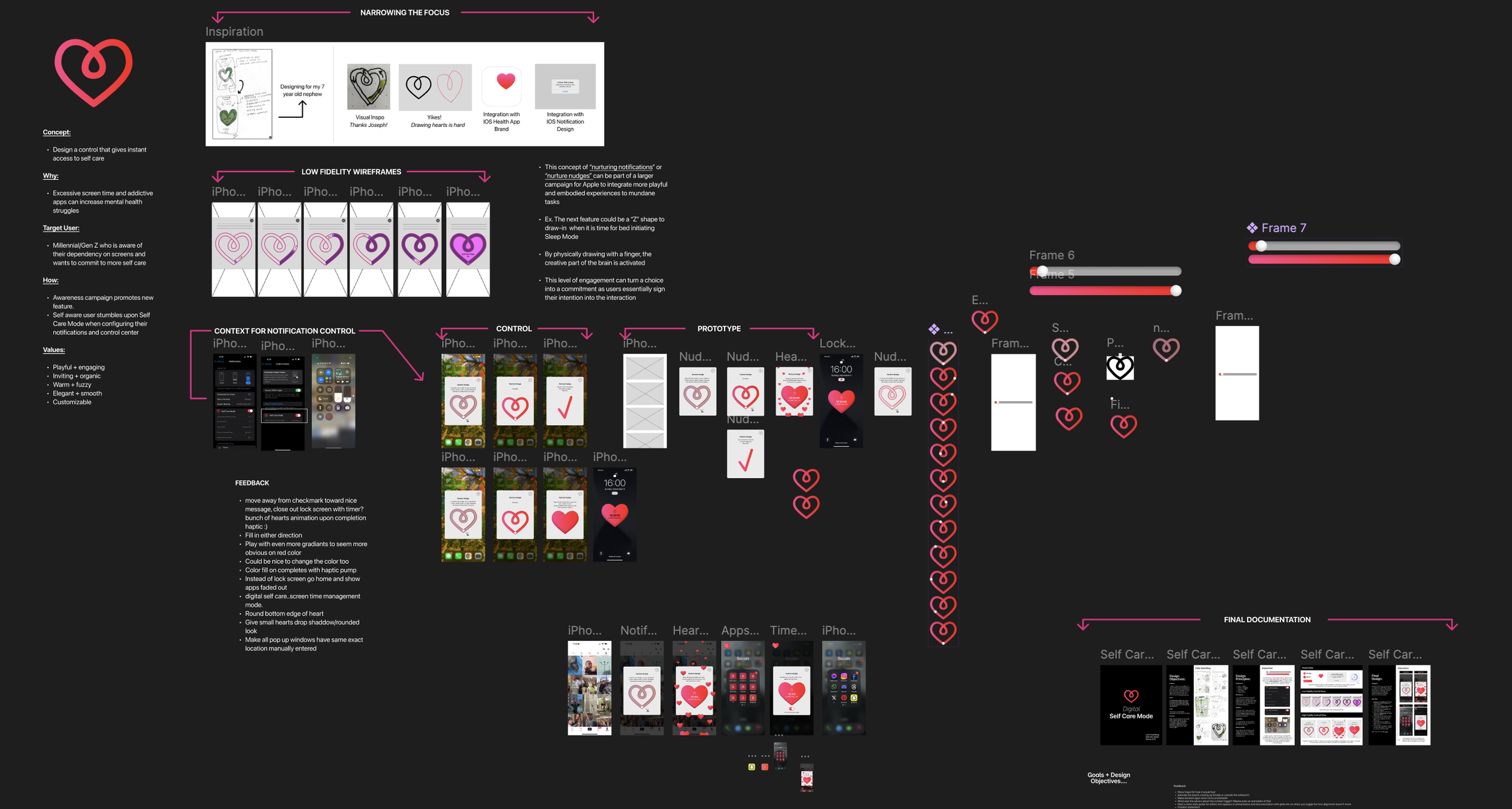
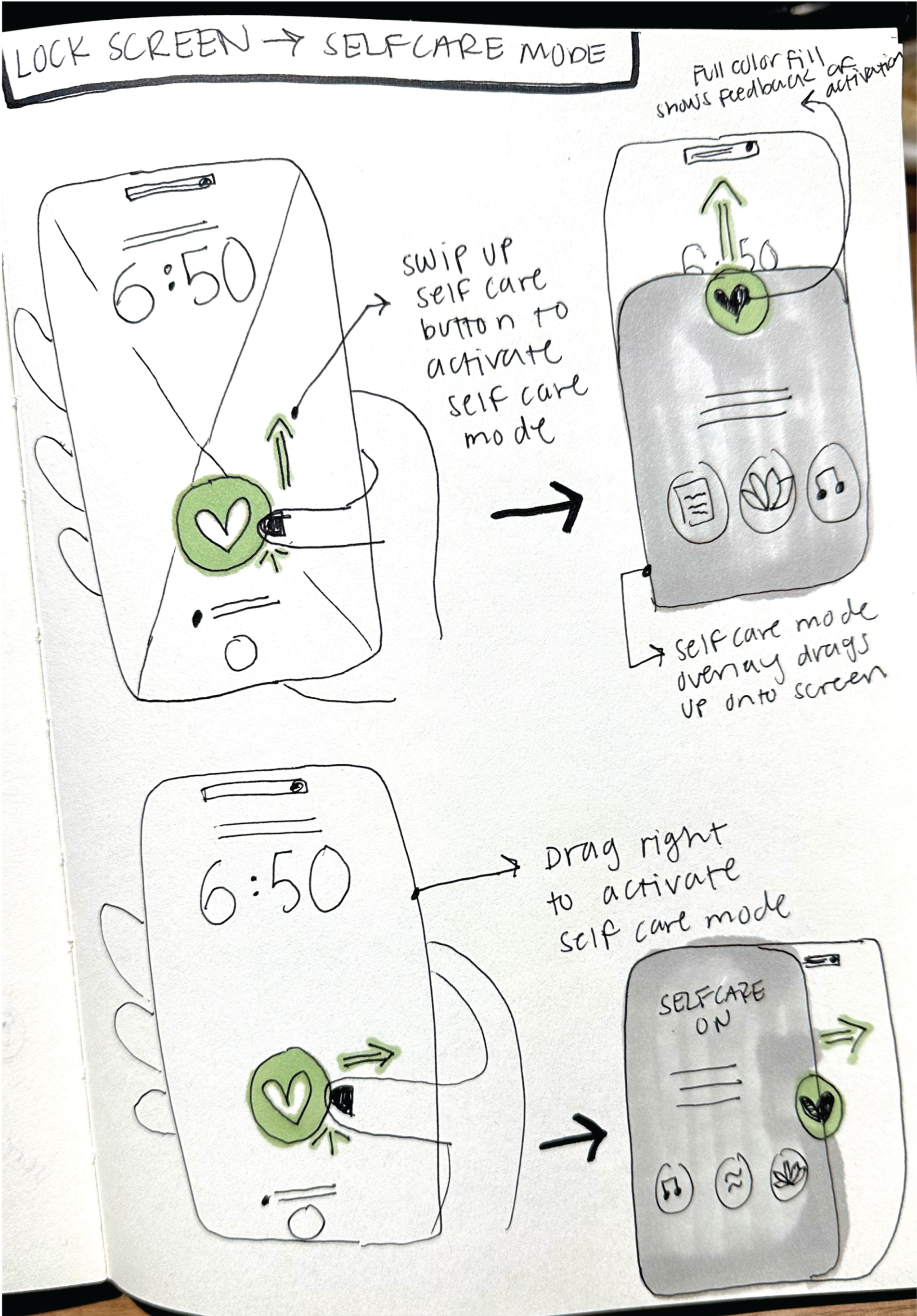
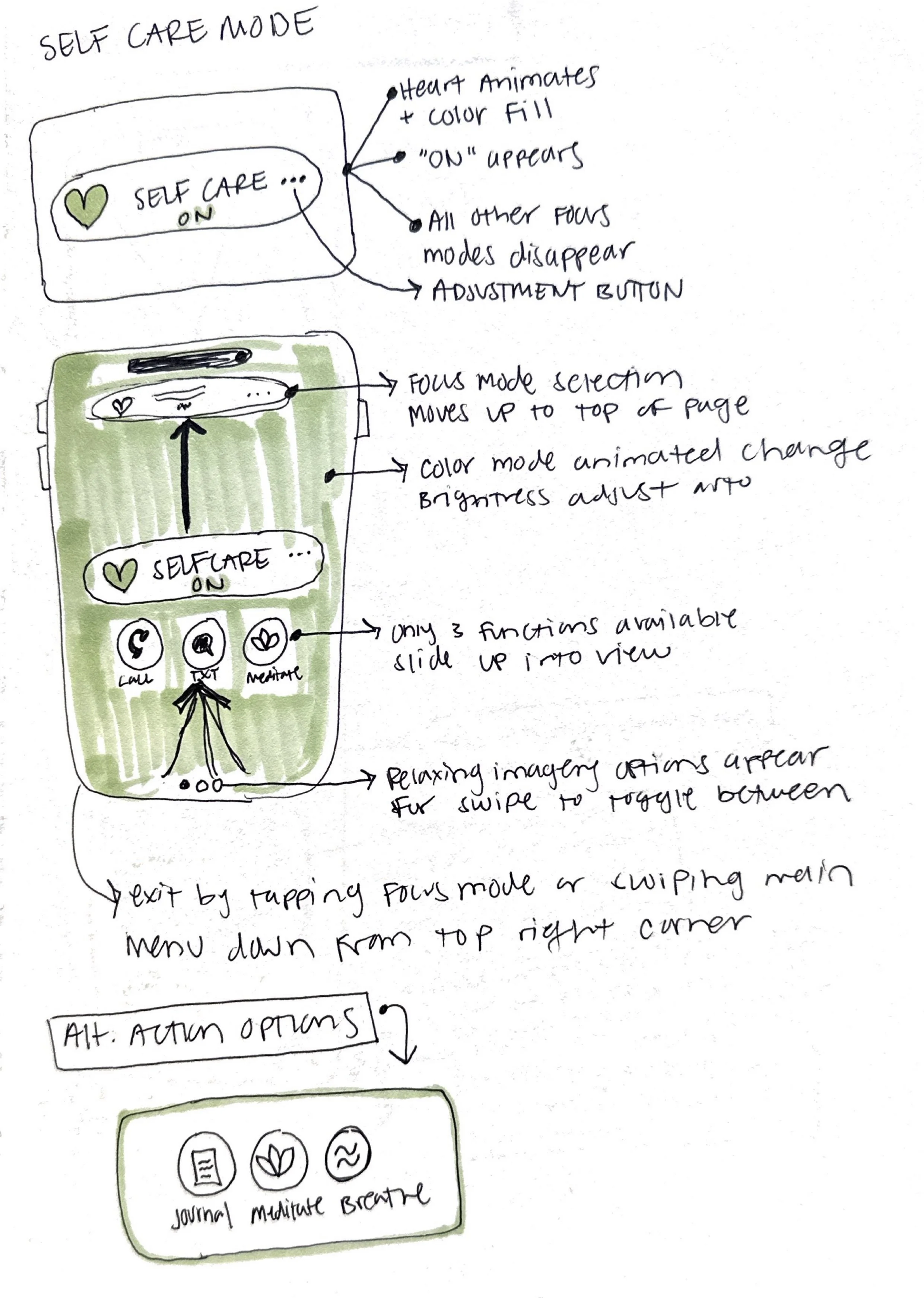
Design Principles
Desired Feel: Clean + simple, playful + engaging, surprise + delight, unobtrusive, talking human
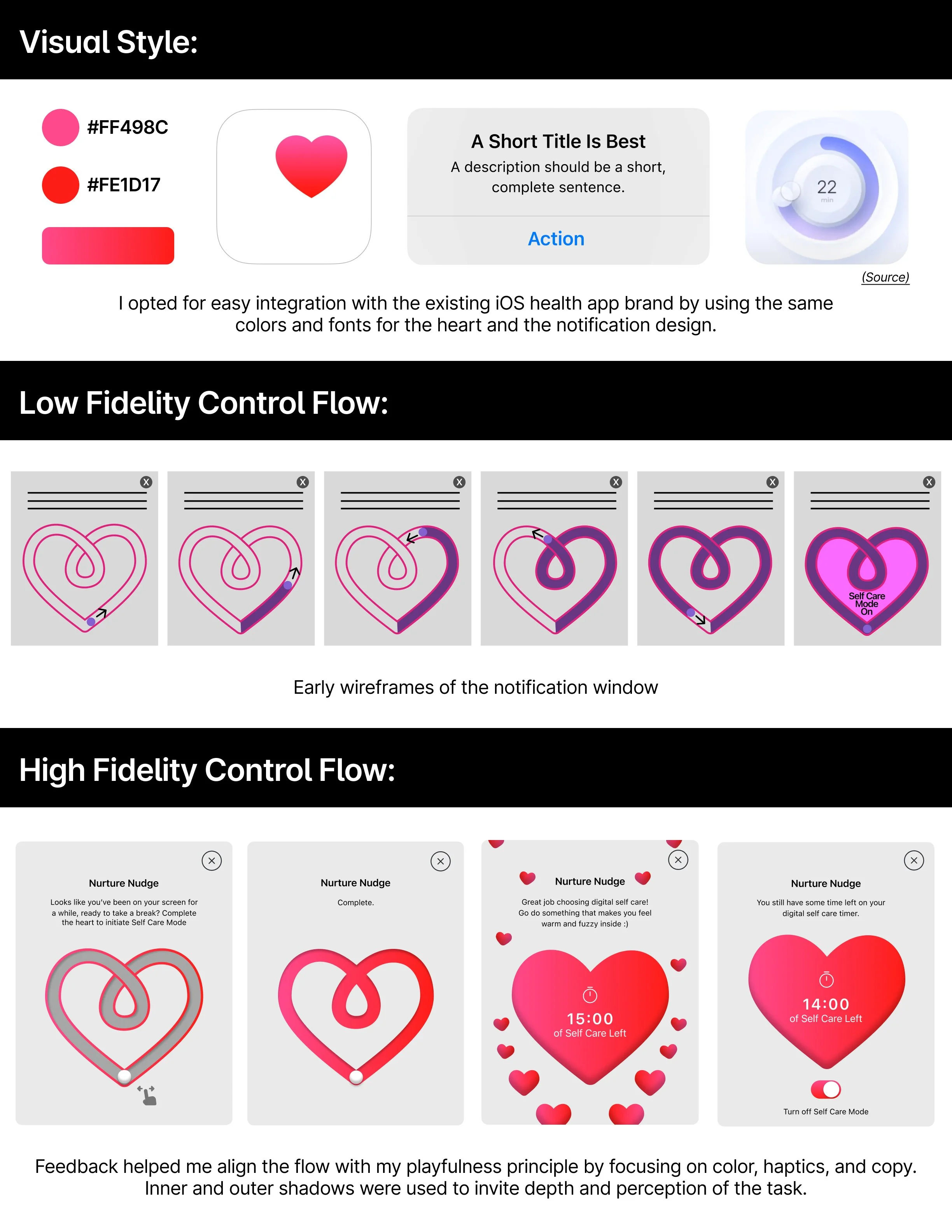
Affordances: This interaction affords users play and pause with an opportunity to engage with the creative side of their brain while drawing in the heart and
a timer set to give them a break to
do something different.
Signifiers: The drag button is designed with
an inviting inner shadow effect that affords dragging supplemented by
a hand icon with arrows to indicate directional movement.
Fudgability: The heart can be colored in from
any direction and the window can
be exited at any time.
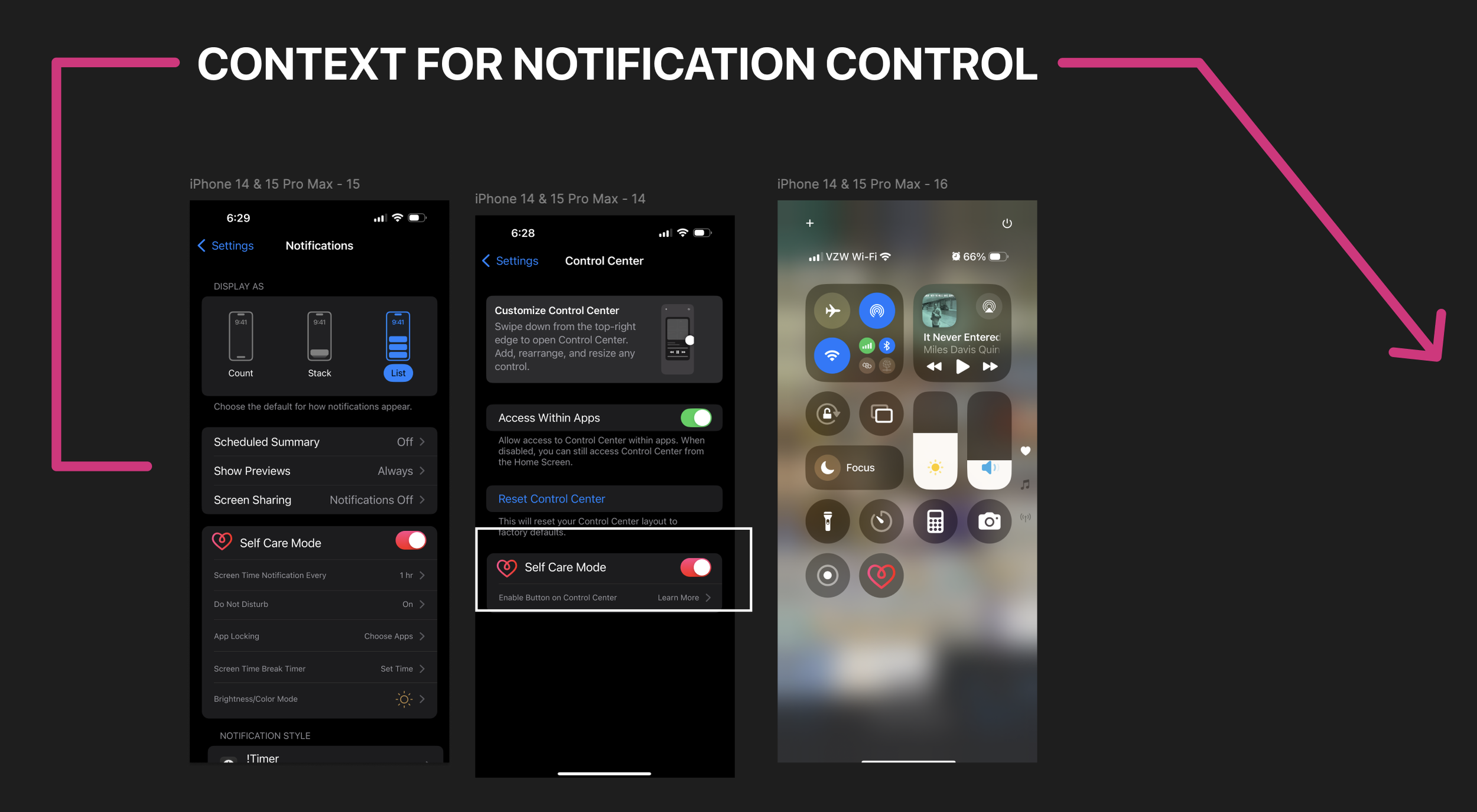
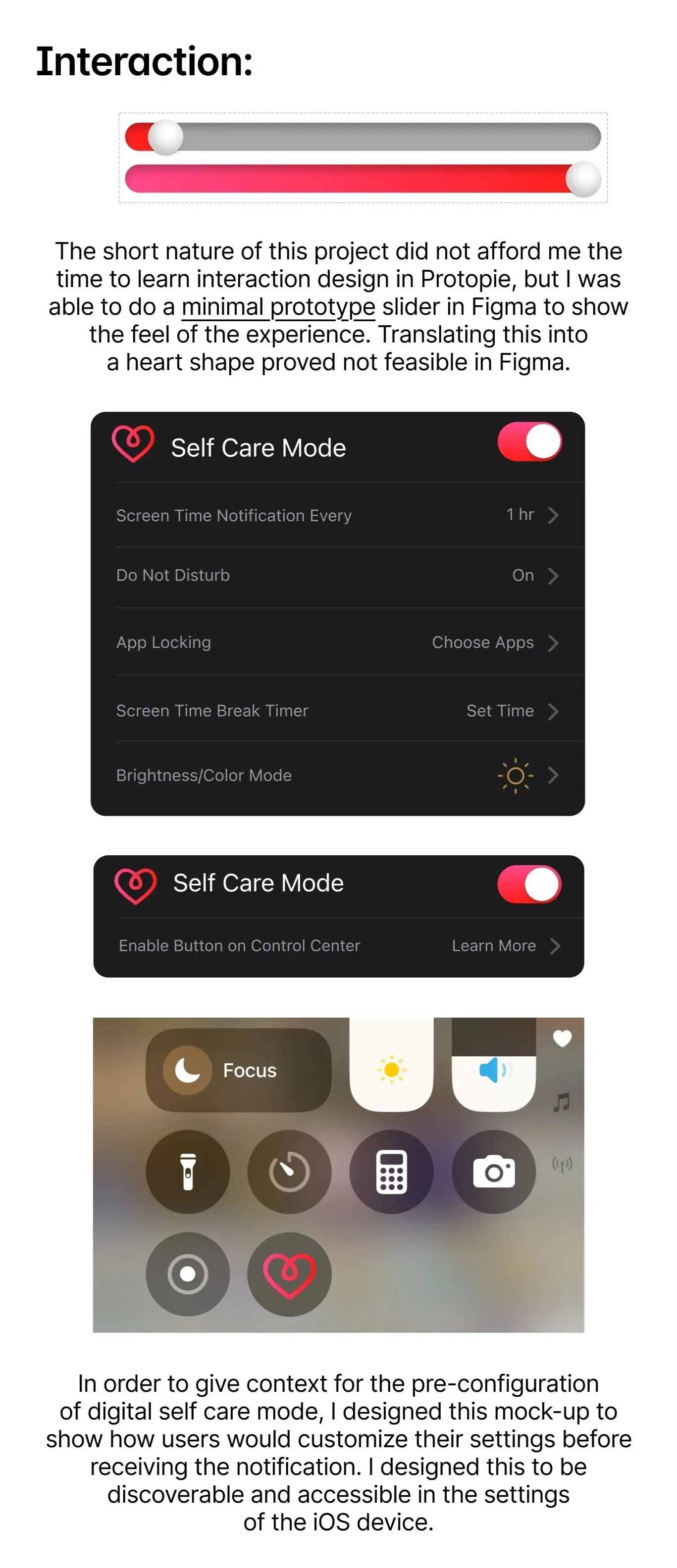
Discoverability: Users will see the self care mode configuration when adjusting the settings of their phone. Once set,
the notification will pop-up in the designated time.
Final Design
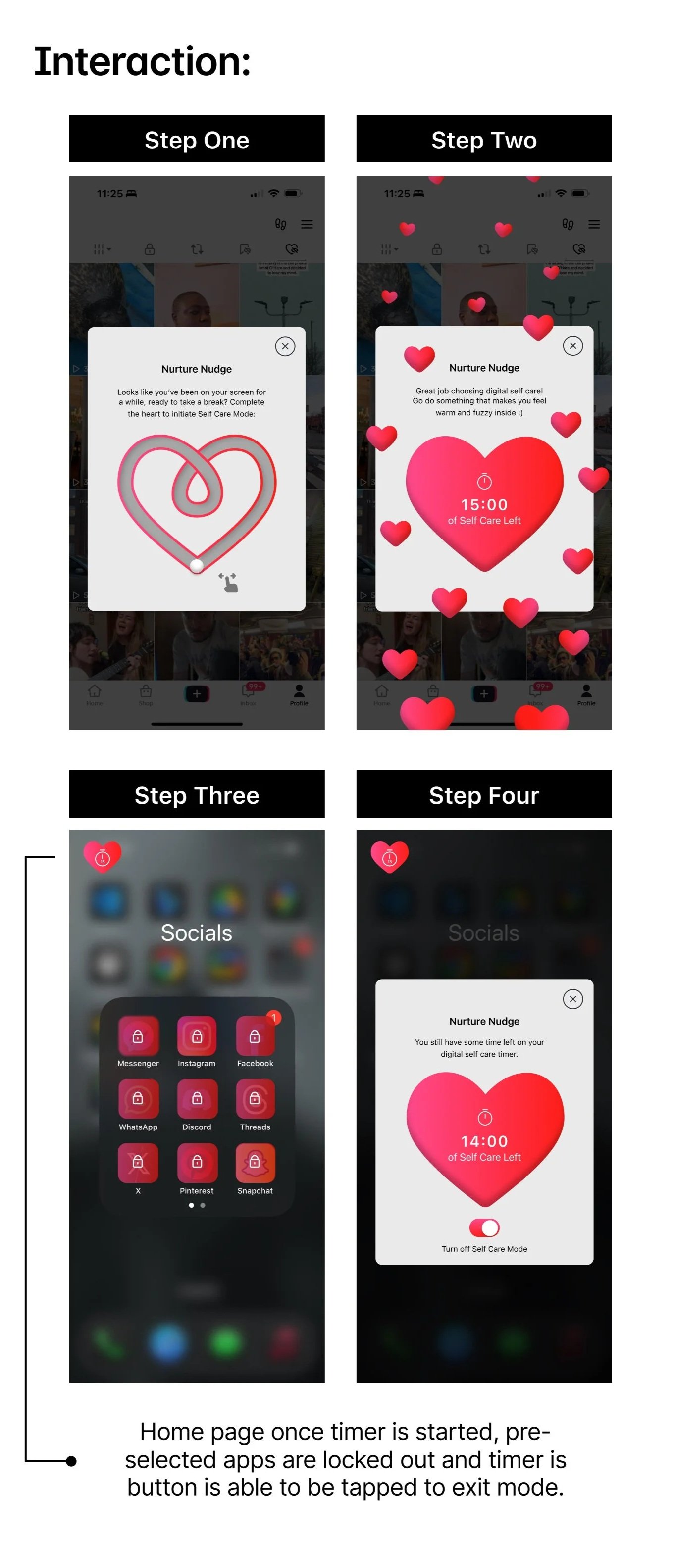
Feedback: Feedback from class led me to make the heart emoji notifications appear across the full screen, mimicking the full screen text reactions that iOS already does. I also made the locked-out apps seem darker and more obviously locked.
User Flow:
Discover and configure self-care mode notification to preferred customization
Notification window pops up after set duration of screen time
Tracing the heart activates self care mode settings
Upon the completion of tracing the heart, heart emojis and haptic vibrations appear
Exiting the window takes user to home page where pre-selected apps visually indicate they are locked out
Heart timer button appears in upper left corner showing timer count down
If heart button is tapped, window pops up with option to end timer or continue self care mode